Business Email for Small Business: Complete Guide 2026
February 18, 2026
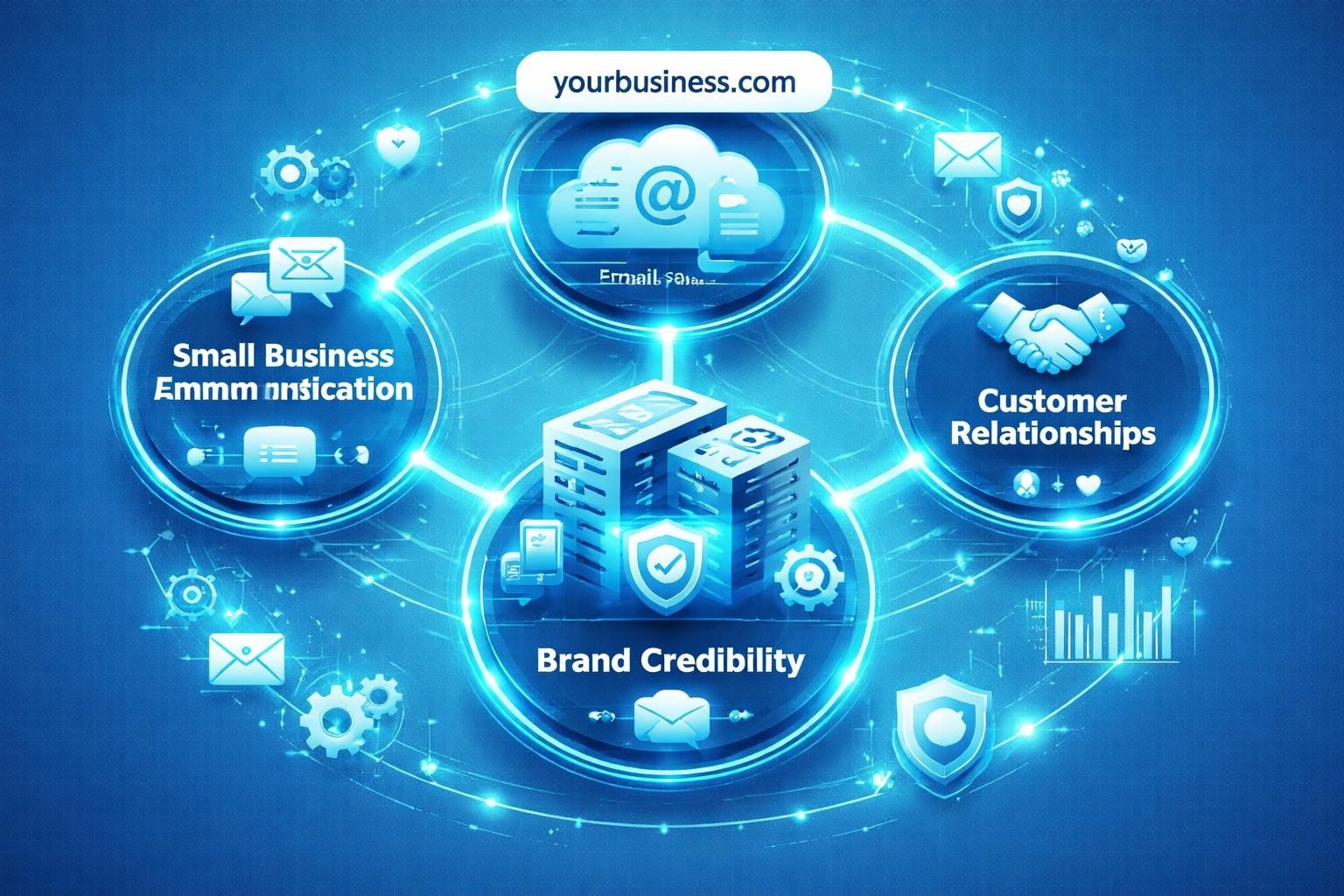
Professional communication forms the backbone of every successful enterprise, yet many entrepreneurs overlook one fundamental element: their email address. A business email for small business isn't merely a technical requirement; it's your digital handshake, your brand ambassador, and often the first impression you make on potential customers. Whether you're launching a startup or scaling an established operation, understanding how to implement and leverage professional email solutions can transform your business communications and credibility.
Understanding Business Email Requirements
Small businesses operate in a competitive landscape where every detail matters. Your email address communicates volumes before you've typed a single word.
Professional vs Personal Email Addresses
The difference between [email protected] and [email protected] might seem trivial, but customer perception tells another story. Professional email addresses build trust instantly, whilst personal accounts raise questions about legitimacy and commitment.
Consider these critical distinctions:
- Brand consistency: Custom domain emails reinforce your business name with every message
- Security features: Business email platforms offer advanced protection against threats
- Scalability: Professional solutions grow with your team
- Legal compliance: Business accounts provide better data retention and audit trails
Research shows that 75% of consumers judge a company's credibility based on their email domain. When you're making a professional email, you're investing in your business reputation.
Domain-Based Email Infrastructure
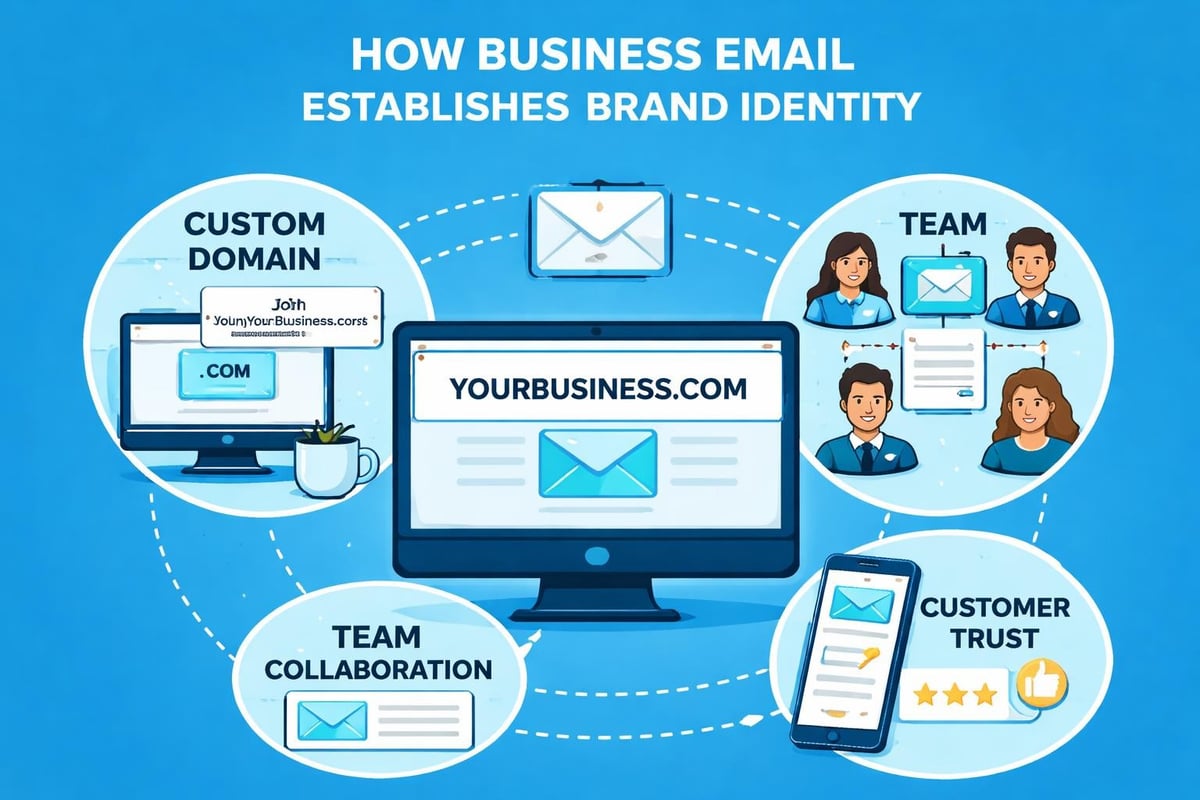
Your domain name serves as the foundation for business email for small business. This custom domain-typically yourcompany.co.uk or yourcompany.com-transforms basic communication into branded interaction.
Setting up domain-based email involves several components:
- Register your business domain through a registrar
- Choose an email hosting provider or platform
- Configure DNS records (MX, SPF, DKIM)
- Create individual email accounts for team members
- Implement security protocols and backup systems
The guide to setting up professional email offers detailed steps for businesses ready to make the transition. Most modern platforms simplify this process significantly, allowing you to complete setup within an hour.
Selecting the Right Email Platform
Choosing an email solution requires balancing features, cost, and usability. Small businesses need platforms that deliver enterprise functionality without enterprise complexity.
Key Platform Features
| Feature | Why It Matters | Typical Cost Impact |
|---|---|---|
| Custom Domain Support | Brand consistency | Included in most plans |
| Storage Capacity | Archive important communications | £2-£8 per user monthly |
| Mobile Access | Work from anywhere | Standard feature |
| Calendar Integration | Schedule meetings efficiently | Usually included |
| Security Tools | Protect sensitive data | Premium feature |
| Team Collaboration | Share contacts and schedules | Varies by provider |
When evaluating platforms for business email for small business, prioritize reliability over flashy features. Downtime costs money and damages reputation.
Hosted vs Self-Managed Solutions
Hosted email services handle all technical aspects, from server maintenance to security updates. Popular options include Google Workspace, Microsoft 365, and specialized providers. These platforms typically charge £4-£12 per user monthly.
Self-managed solutions give you complete control but require technical expertise. You'll need to maintain servers, apply security patches, and manage backups independently. This approach suits larger businesses with dedicated IT resources.
For most small businesses, hosted solutions offer the optimal balance. You gain professional capabilities without hiring system administrators.
Implementing Security Best Practices
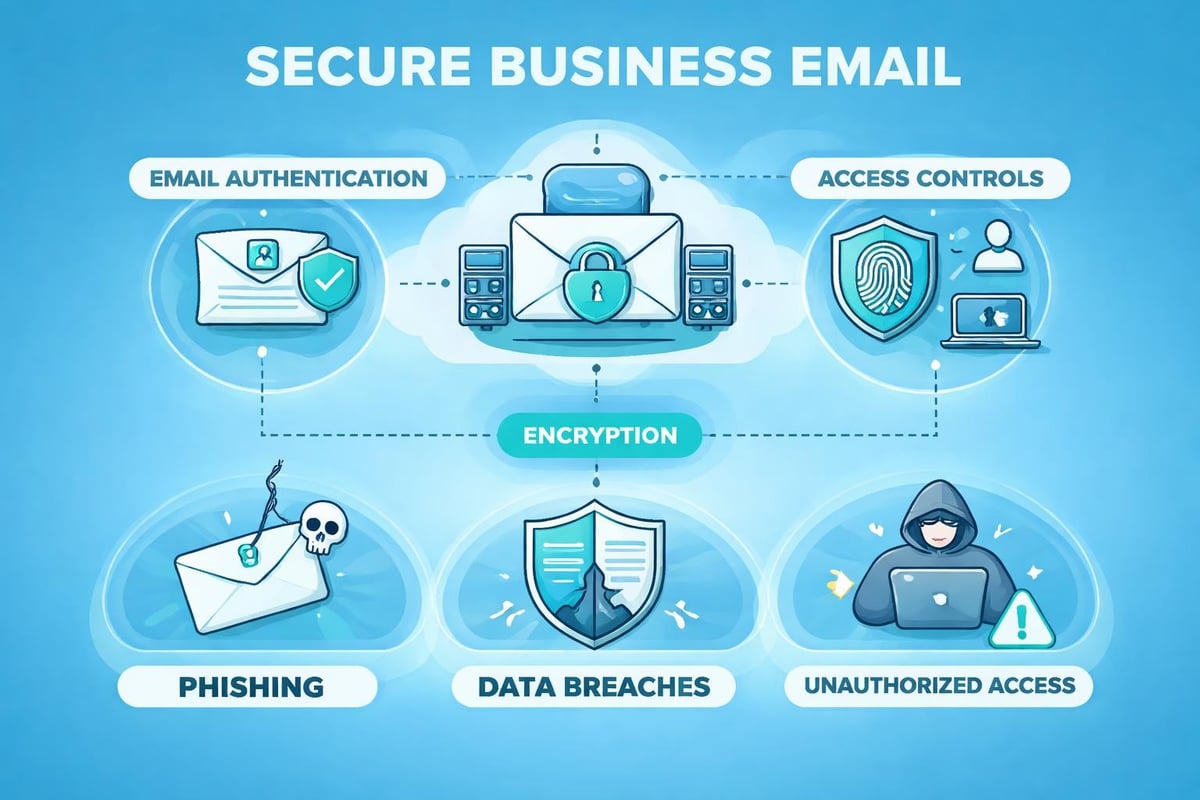
Email remains the primary vector for cyberattacks on small businesses. Email security best practices aren't optional luxuries-they're essential protections for your business and customers.
Authentication and Access Control
Two-factor authentication (2FA) adds a crucial security layer beyond passwords. When enabled, accessing your business email for small business requires both your password and a temporary code from your mobile device.
Essential security measures include:
- Strong password policies (minimum 12 characters, mixed case, numbers, symbols)
- Two-factor authentication for all accounts
- Regular password rotation (every 90 days)
- Limited administrator access
- Secure password management tools
The email security practices guide emphasizes employee training as the most cost-effective security investment. Your team represents both your greatest vulnerability and your strongest defence.
Encryption and Data Protection
Email encryption protects message content during transmission and storage. Modern business email for small business platforms offer two encryption types:
- Transport Layer Security (TLS): Encrypts messages in transit between servers
- End-to-end encryption: Protects content so only sender and recipient can read messages
Configure your email system to require TLS for all outbound messages. For sensitive communications containing financial data, client information, or proprietary details, implement end-to-end encryption.
Spam Filtering and Malware Protection
Quality spam filters block 99% of unwanted messages before they reach your inbox. Advanced systems analyse:
- Sender reputation scores
- Message content patterns
- Attachment types and signatures
- Link destinations and safety
- Header information authenticity
Configure filters to quarantine suspicious messages rather than delete them immediately. This approach prevents false positives whilst maintaining security. Review your quarantine folder weekly to train the filter system.
Crafting Effective Email Communication
Technical setup matters, but communication quality determines whether your business email for small business drives results or gets ignored.
Email Structure and Formatting
Professional emails follow a recognizable structure that recipients have come to expect:
Opening elements:
- Clear, specific subject line (under 50 characters)
- Professional greeting addressing recipient by name
- Context-setting opening sentence
Body content:
- One main point per paragraph
- Bullet points for lists or multiple items
- Bold text for critical information
- White space between sections
Closing components:
- Clear call to action
- Professional signature block
- Contact information
The email best practices guide stresses personalization over templates. Whilst templates save time, customize each message to acknowledge the recipient's specific situation.
Subject Line Optimization
Your subject line determines whether recipients open your message. Effective subject lines are:
- Specific rather than vague ("Q1 Budget Proposal" beats "Important Information")
- Action-oriented when appropriate ("Review attached contract by Friday")
- Honest about content (avoid clickbait tactics)
- Front-loaded with key information (most important words first)
- Free from spam triggers (excessive punctuation!!!, ALL CAPS, "Free!!!")
| Subject Line Type | Open Rate | Best Use Case |
|---|---|---|
| Personalized with name | 26% higher | Customer outreach |
| Question format | 22% higher | Engagement campaigns |
| Urgency/deadline | 14% higher | Time-sensitive requests |
| Plain descriptive | Baseline | Internal communications |
Test different approaches and track which styles generate the best response rates from your audience.
Integrating Email Marketing Capabilities
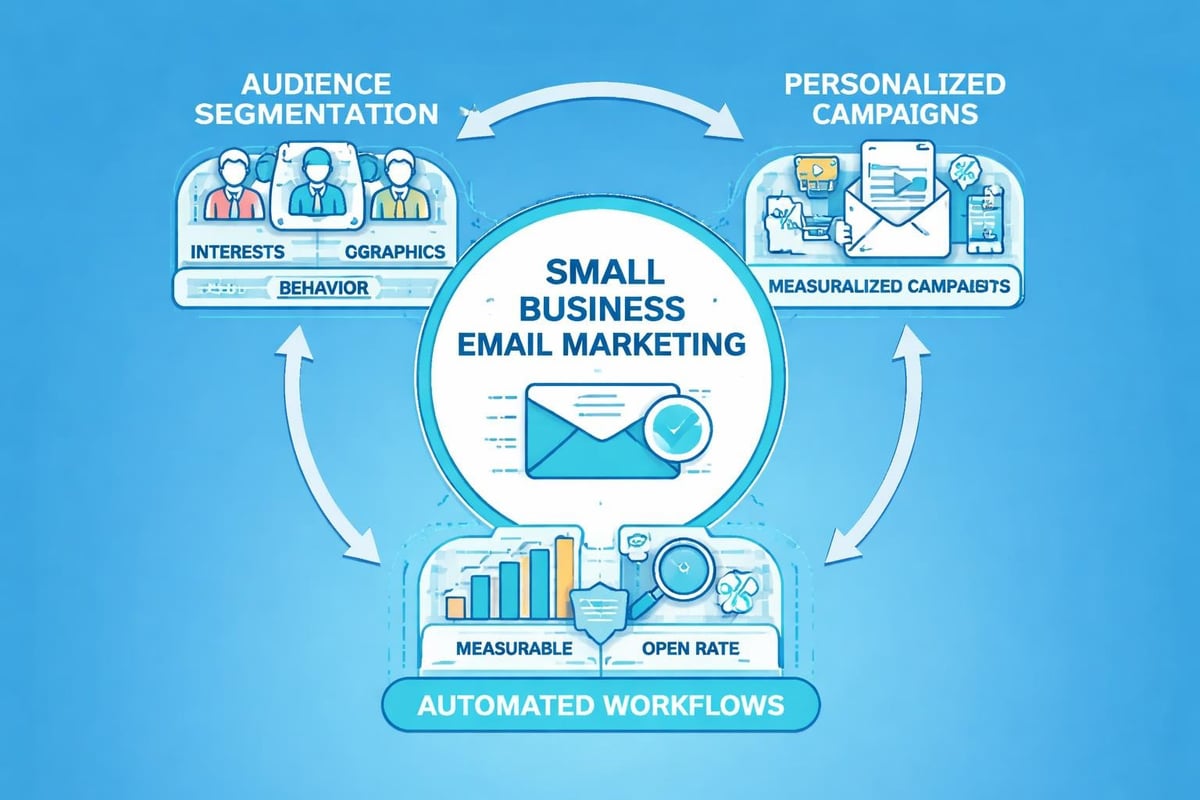
Business email for small business extends beyond one-to-one communication. Strategic email marketing transforms your address book into a revenue channel.
Building and Segmenting Lists
Quality trumps quantity in email marketing. A list of 500 engaged subscribers delivers better results than 5,000 uninterested contacts.
List building strategies:
- Website opt-in forms with clear value propositions
- Lead magnets (guides, templates, discounts)
- Event registration and follow-up
- Purchase-triggered welcome series
- Social media cross-promotion
Segment your list based on meaningful criteria. Small businesses typically benefit from segmenting by customer status (prospect, new customer, repeat customer), purchase history, engagement level, or industry.
When creating a free business email account, ensure your platform supports list segmentation from the start. Migrating to a new system later creates unnecessary complications.
Campaign Planning and Execution
Successful email marketing requires consistent execution, not occasional bursts of activity. Develop a sustainable rhythm your team can maintain.
Monthly campaign calendar:
- Week 1: Educational content or industry insights
- Week 2: Product/service spotlight or case study
- Week 3: Special offer or exclusive opportunity
- Week 4: Customer success story or testimonial
Each campaign should align with your broader business objectives. Track metrics that matter: open rates, click-through rates, conversion rates, and revenue generated. Adjust your approach based on data, not assumptions.
Platforms like Astonish Email specialize in helping small businesses execute professional email marketing without requiring technical expertise or large budgets.
Managing Team Email Accounts
As your business grows, email management becomes more complex. Proper account structure prevents confusion and maintains professionalism.
Account Naming Conventions
Establish clear naming standards before creating accounts. Consistent patterns make your business appear organized and help customers find the right contact.
Common approaches include:
- [email protected] ([email protected])
- Role-based addresses (sales@, support@, info@)
- Department identifiers (marketing@, finance@)
- Location-specific contacts (london@, manchester@)
Avoid cute or cryptic usernames. Your business email for small business should communicate professionalism, not personality. Save creative expression for your actual message content.
Shared Mailbox Management
Role-based addresses like info@ or sales@ require special handling. Multiple team members need access, but accountability must remain clear.
Shared mailbox best practices:
| Practice | Purpose | Implementation |
|---|---|---|
| Clear ownership | Prevent messages falling through cracks | Assign primary owner for each shared account |
| Response protocols | Ensure consistent quality | Document standard responses and procedures |
| Tracking system | Monitor resolution times | Use labels or tags to show message status |
| Escalation paths | Handle complex issues | Define when to involve managers or specialists |
| Regular audits | Maintain quality standards | Weekly review of pending and closed messages |
Configure your platform to show which team member handled each message. This transparency prevents duplicate responses and ensures follow-through.
Optimising Mobile Email Access
Over 60% of business emails are now opened on mobile devices. Your business email for small business must function flawlessly on smartphones and tablets.
Mobile-Responsive Design
When composing messages, assume recipients will read them on small screens:
- Keep paragraphs short (2-3 sentences maximum)
- Use larger font sizes (minimum 14pt)
- Make links and buttons finger-friendly (minimum 44×44 pixels)
- Place important information and calls to action early
- Test messages on multiple devices before sending
Most modern email platforms automatically adjust formatting for mobile viewing. However, heavily formatted messages with complex layouts may still display poorly. When in doubt, simpler is better.
Mobile App Configuration
Configure mobile email apps properly to maintain security whilst enabling productivity:
- Enable biometric authentication (fingerprint or face recognition)
- Set automatic lock timers (2-5 minutes of inactivity)
- Configure secure sync (download messages but not entire archives)
- Disable message previews on lock screens
- Use VPN connections when accessing email on public networks
The convenience of mobile access shouldn't compromise your business email for small business security. Balance accessibility with protection.
Measuring Email Performance
Data-driven decisions separate successful email strategies from guesswork. Track the metrics that reveal how effectively your business email for small business supports your objectives.
Essential Email Metrics
Deliverability metrics:
- Delivery rate (percentage of messages reaching inboxes)
- Bounce rate (messages rejected by recipient servers)
- Spam complaint rate (recipients marking messages as spam)
Engagement metrics:
- Open rate (percentage of delivered messages opened)
- Click-through rate (percentage clicking links within messages)
- Response rate (for one-to-one business communications)
- Conversion rate (percentage completing desired actions)
Business impact metrics:
- Revenue per email sent
- Customer acquisition cost via email
- Lifetime value of email-acquired customers
- Return on investment (ROI) for email marketing campaigns
Most email platforms provide basic analytics. For sophisticated tracking, integrate your business email for small business with customer relationship management (CRM) systems.
Continuous Improvement Process
Establish a regular review cycle to assess and enhance email performance:
Monthly reviews should examine:
- Deliverability issues and solutions
- Engagement trends across message types
- Successful campaigns worth repeating
- Underperforming approaches to abandon
- Customer feedback and preferences
Document what you learn. Your email performance data represents valuable business intelligence that should inform broader marketing and communication strategies. Many businesses maintain an email playbook documenting proven approaches and lessons learned.
For comprehensive guidance on strategic email marketing, explore the SaaS email marketing playbook which offers frameworks applicable across industries.
Ensuring Compliance and Legal Protection
Business email for small business carries legal obligations that vary by industry and location. Understanding basic compliance requirements protects your business from penalties and lawsuits.
Data Protection Regulations
The UK General Data Protection Regulation (UK GDPR) governs how businesses collect, store, and use customer email addresses and communication data.
Key compliance requirements:
- Obtain explicit consent before adding contacts to marketing lists
- Provide clear unsubscribe mechanisms in every marketing message
- Process unsubscribe requests within 24 hours
- Maintain records documenting consent and communication preferences
- Implement appropriate technical and organizational security measures
- Report data breaches to authorities within 72 hours
Your antispam policy should clearly outline how your business prevents unsolicited commercial email whilst maintaining effective customer communication.
Record Retention Requirements
Different industries face varying email retention obligations. Financial services, healthcare, and legal sectors typically require longer retention periods than retail or hospitality.
General retention guidelines:
- Financial records: 6-7 years minimum
- Employment communications: 6 years after employment ends
- Contract negotiations: Duration of contract plus 6 years
- Customer service exchanges: 3-5 years
- Marketing communications: 2-3 years
Establish a clear data retention policy that balances legal requirements with storage costs and privacy considerations. Automated systems can enforce retention schedules, deleting old messages whilst preserving legally required records.
Understanding professional email addresses and providers helps ensure you select solutions that support compliance from the outset rather than requiring costly retrofitting later.
Troubleshooting Common Email Issues
Even well-configured business email for small business systems encounter occasional problems. Knowing how to diagnose and resolve common issues minimizes disruption.
Deliverability Problems
When messages aren't reaching recipients, investigate these potential causes:
Technical issues:
- Incorrect DNS records (SPF, DKIM, DMARC)
- IP address reputation problems
- Mail server configuration errors
- Recipient server blocking your domain
Content issues:
- Spam trigger words or phrases
- Suspicious links or attachments
- Poor text-to-image ratio
- Missing unsubscribe links
Use email testing tools to analyze messages before sending them to large audiences. These tools identify potential deliverability issues and suggest corrections.
Account Access and Security Incidents
When team members report access problems or you suspect security breaches, act quickly:
- Immediate response: Reset passwords for affected accounts
- Investigation: Review recent login attempts and locations
- Communication: Notify team members and potentially affected contacts
- Protection: Enable additional security measures
- Documentation: Record incident details and response actions
The email security guide provides detailed protocols for handling common security incidents that affect small business email systems.
Integration and Synchronization Issues
Business email for small business often integrates with other tools-calendars, contact managers, project management systems. When synchronization fails:
- Verify API connections and authentication credentials
- Check for software updates affecting integration compatibility
- Review permission settings for connected applications
- Test with a single account before applying changes organization-wide
- Contact support for the specific platforms experiencing issues
Maintain documentation of all integrations, including connection dates, authorized users, and configuration settings. This reference accelerates troubleshooting when problems arise.
Scaling Your Email Infrastructure
Successful businesses outgrow their initial email setups. Planning for scalability prevents disruption as your team expands.
Adding New Team Members
Streamline the onboarding process with standardized procedures:
New employee email checklist:
- Create email account following naming conventions
- Configure security settings (2FA, password requirements)
- Add to relevant shared mailboxes and distribution lists
- Grant calendar and contact access as appropriate
- Provide email signature template
- Deliver training on company email policies
- Set up mobile device access if applicable
Consistent onboarding ensures every team member represents your brand professionally from day one. Document these procedures so any administrator can execute them accurately.
Upgrading Platform Capabilities
As your business email for small business needs grow, you may require advanced features:
- Enhanced storage capacity
- Sophisticated automation tools
- Advanced analytics and reporting
- Improved collaboration features
- Better mobile device management
- Stronger security options
Most platforms offer tiered pricing that aligns features with business size. Review your plans annually to ensure you're getting optimal value without paying for unused capabilities.
Migration between platforms requires careful planning. Allow 2-4 weeks for complex migrations, ensuring no messages or contacts are lost during the transition.
Implementing effective business email for small business establishes the communication foundation your enterprise needs to thrive. From selecting the right platform and securing your accounts to executing strategic email marketing campaigns, every element contributes to your professional credibility and business growth. Ready to transform your email communications into a powerful business asset? Discover how Astonish Email provides the tools and support small businesses need to succeed with professional email marketing that drives measurable results.