How to Finish an Email Like a Pro
November 30, 2025
Knowing how to finish an email is about much more than just being polite. It's your last chance to make a lasting impression, clarify what needs to happen next, and make sure your message actually gets the attention it deserves. A strong ending reinforces your professionalism and nudges the reader to act. A weak one? It can leave them confused or, worse, completely uninterested.
Why Your Email Ending Is So Important
That last line you type before hitting 'send' does a lot more heavy lifting than you might think. It isn't just a sign-off; it's a strategic tool that frames the entire message. A thoughtful ending can be the difference between getting a prompt, positive reply and having your email archived and forgotten forever.
In a professional setting, every word counts. The conclusion of your email sets the tone for future chats and solidifies how the reader sees you. A rushed or sloppy ending can completely undermine an otherwise well-crafted message, hinting at a lack of attention to detail.
Reinforcing Professionalism and Clarity
Think of your email ending as the final handshake in a conversation. It needs to feel firm, confident, and right for the situation. A clear, purposeful closing shows you respect the other person's time and boosts your credibility. It answers their unspoken question: "So, what am I supposed to do with this?"
This kind of clarity is vital for preventing misunderstandings. Vague closings like "Let me know your thoughts" often lead to nothing happening because they don't specify what kind of feedback you need or when you need it by. A strong ending cuts through the ambiguity and guides your recipient towards the result you're after.
Cutting Through the Digital Noise
We're all drowning in digital communication, which makes it absolutely essential to be memorable. In the UK alone, we send over 8 billion emails every single day. That number really highlights the fierce competition for attention in every inbox. With UK users spending an average of just 10.8 seconds on a marketing email, those final lines have to deliver a real punch, and quickly.
A great email ending doesn’t just close a message; it opens the door for the next action. It’s your last, best chance to guide the conversation, confirm understanding, and maintain momentum.
To make sure your email ending—and frankly, the entire message—is crafted efficiently, you might want to explore using tools like dictation for Gmail. This can help you compose clear, concise messages much faster, freeing you up to focus on making that final impression count, every single time.
Choosing the Right UK Email Sign-Off
Knowing how to end an email can feel like a small detail, but in the UK, it speaks volumes. Your sign-off is the final handshake of your message; the right one leaves a great impression, while the wrong one can feel awkward or even unprofessional.
Getting this right isn’t just about being polite. It’s a subtle nod to the context of your conversation, showing you understand the nuances of your professional relationship, whether you're emailing a new client, a familiar colleague, or the CEO.
Matching Formality to Your Audience
The real art is in matching your closing to your audience and the situation. Are you sending a formal proposal to a potential investor you’ve never met? Or just catching up with a supplier you’ve worked with for years? The tone should be completely different.
For someone new, senior, or in a traditionally formal industry, sticking to the classics is always the safest move. But with a teammate you chat with every day, a stiff "Yours sincerely" would just feel strange. Using "Cheers" with a long-term partner is often perfectly fine, but it might come across as overly casual in a first-time outreach.
This little flowchart nails it: your ending can be the difference between getting a response and getting ignored.
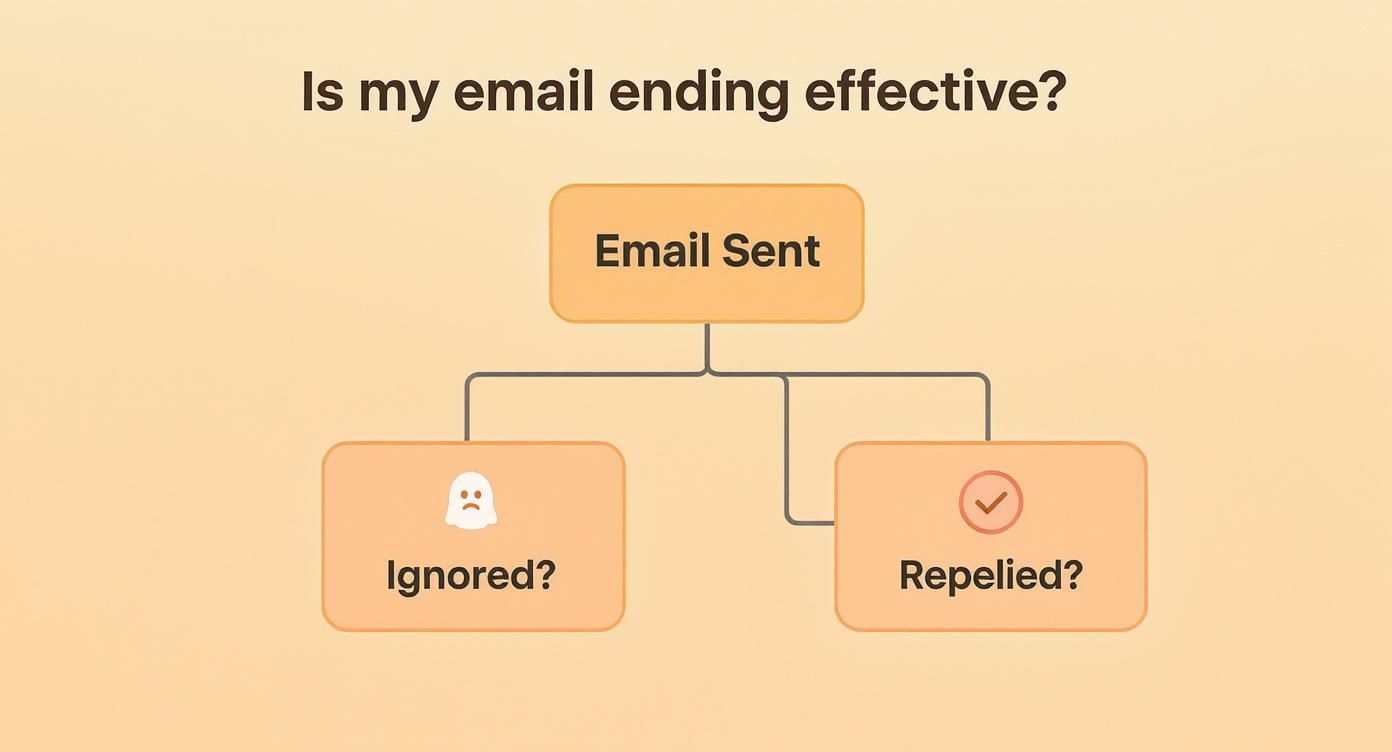
A thoughtful closing gets results. A clumsy one? Not so much.
Common UK Sign-Offs and When to Use Them
Let's cut through the confusion. Here's a quick-reference guide to help you pick the perfect sign-off for common UK business scenarios.
UK Email Sign-Offs Decoded When to Use Them
| Sign-Off | Formality Level | Best Used When... |
|---|---|---|
| Yours sincerely | Very Formal | You've addressed the person by name (e.g., Dear Mrs Jones). Think job applications, legal letters, or very traditional correspondence. |
| Yours faithfully | Very Formal | You've used a generic greeting (e.g., Dear Sir/Madam). This is increasingly rare in day-to-day business emails. |
| Best regards | Semi-Formal | This is the gold standard. It's your go-to for almost any professional email. Safe, polite, and universally accepted. |
| Kind regards | Semi-Formal | A slightly warmer version of the above. Perfect for when you've had some back-and-forth and want to build a friendly rapport. |
| Best wishes | Informal | Carries a more personal, friendly tone. Great for colleagues you know well or just before a weekend or holiday break. |
| All the best | Informal | A touch more relaxed than "Best wishes". Works well for internal emails or with contacts you have a solid, positive relationship with. |
| Cheers | Very Informal | The UK's casual staple, basically meaning "Thanks". Reserve this for close colleagues and people you know wouldn't bat an eyelid. |
Ultimately, choosing the right phrase helps close the communication loop on a professional note. Your sign-off should feel like a natural extension of your email's purpose and your relationship with the reader.
It's also worth remembering that a professional closing helps your email look credible and can even play a part in deliverability. For a deeper dive into what keeps emails out of the junk folder, have a look at our Astonish Email anti-spam policy for more best practices.
Writing a Clear Call to Action
Those last few sentences before your sign-off? They're the most important part of your entire email. This is your chance to pivot from simply sharing information to getting something done. A limp closing like, "Let me know your thoughts," is practically an invitation for your email to be archived and forgotten. To really nail the ending, you need a clear, direct, and polite call to action (CTA) that tells the recipient exactly what you need from them.
A strong CTA takes all the guesswork out of the equation. It gives the other person a specific task and, quite often, a deadline. This simple shift makes it so much easier for them to prioritise your request and respond. You're not just sending a message; you're moving a project forward.
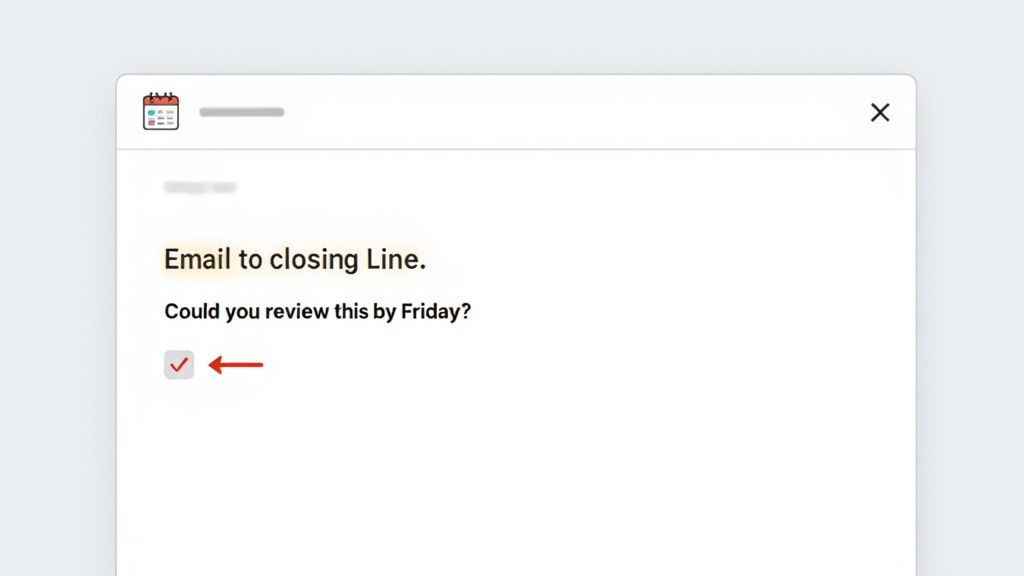
This level of clarity doesn't just get you faster replies. It also shows you’re organised and that you respect their time, which goes a long way.
From Vague to Actionable Examples
Let's look at how to transform those weak, wishy-washy closing lines into instructions that actually work. The secret ingredient is specificity. Instead of leaving the next step open-ended, you need to guide your reader toward a single, obvious action.
Here are a few before-and-after scenarios I see all the time:
Vague: "Let me know what you think of the proposal."
- Actionable: "Could you please review the attached proposal and send your feedback on section three by Thursday EOD?" This is so much better. It points to the exact document, the specific section, and a clear deadline.
Vague: "We should catch up sometime."
- Actionable: "Are you free for a 15-minute call to discuss the project timeline next week? Does Tuesday at 3 PM or Wednesday at 10 AM work for you?" This proactive approach offers concrete options and cuts down on the endless back-and-forth of scheduling.
Vague: "Looking forward to hearing from you."
- Actionable: "To move forward, please confirm your approval by replying to this email." This is a direct but perfectly polite instruction that clarifies exactly what's needed to get things rolling.
Making these small adjustments can have a massive impact on how people respond to your emails. If you want to dive deeper into this, there's a great perfect follow-up email template and best practices guide that can help.
Crafting Your Own Powerful CTAs
Getting good at writing a compelling call to action is a skill you can pick up pretty quickly. The aim is to be firm but friendly, making sure your request is crystal clear without sounding demanding.
The best CTAs are framed as simple questions or polite commands that make it incredibly easy for the other person to say "yes" or provide the exact information you need.
Here’s a practical step-by-step guide to writing one:
- Start with an action verb: Kick things off with words like Review, Schedule, Confirm, Send, or Let me know. This immediately signals what you need.
- State the specific task: Don't make them guess. Is it a review of a document, a decision on a date, or providing some information? Spell it out. For example, change "Feedback is welcome" to "Please review the marketing copy."
- Include a timeframe (when needed): Adding a deadline, like "by Friday at 4 PM," helps manage expectations and keeps the momentum going.
- Keep it to one primary request: Asking for too many things at once is overwhelming and can lead to no action at all. If you have multiple points, use a numbered list or consider sending a separate email.
Once you master the art of the clear CTA, you won't just finish your emails with more confidence—you'll see a real improvement in your response rates and overall productivity. If you have any questions about sharpening your email strategy, feel free to get in touch with our team for some guidance.
Crafting a Professional Email Signature
Think of your email signature as your digital business card. It’s that little block of text at the end of every email that quietly reinforces who you are, what you do, and makes it dead simple for people to get in touch.
A sharp, well-thought-out signature adds a real touch of professionalism and authority. On the flip side, a messy one—think oversized logos, clashing colours, or a wall of tiny text—can undermine your message and just look unprofessional. The goal is to create something clean, clear, and consistent, no matter what device it’s viewed on.
What to Include in Your Signature
The best signatures give people exactly what they need, and nothing more. You want to be helpful, not overwhelming. Start with the absolute essentials and then consider adding one or two other useful bits of information.
Here’s a step-by-step guide to building your signature:
- Start with the essentials: Your Full Name, Job Title, and Company Name.
- Add primary contact info: A key phone number and a link to your company website.
- Consider professional social links: A link to your LinkedIn profile is a great way to build your network.
- Optional extras: You might include a subtle company logo or any legally required disclaimers if that's standard in your industry.
Here's an example of a clean, effective signature:
Jane Doe
Marketing Manager | Example Ltd
T: 01234 567 890
W: www.exampleltd.co.uk | LinkedIn: linkedin.com/in/janedoe
Design Rules for a Polished Look
When it comes to signature design, less is almost always more. Remember, a huge number of people will be reading your email on a small mobile screen, where a complicated design can quickly turn into a jumbled mess.
Stick to these simple design principles:
- Keep colours minimal. Stick to one or two at most. Your brand colours are a great choice, otherwise, you can't go wrong with classic black and grey.
- Use a standard, web-safe font. Fonts like Arial, Helvetica, or Verdana are your best bet because they look good on virtually every device.
- If you use a logo, keep it small. Make sure it’s a high-quality file that won’t distort or break the email’s layout.
- Always test on mobile. Before you roll it out, send yourself a test email and open it on your phone. How does it look?
A professional email signature isn’t just a list of contact details; it’s a branding opportunity. Every single email you send reinforces who you are and what your business stands for, making consistency absolutely crucial.
By keeping your signature concise and well-designed, you ensure every email you send finishes on a high note. For business owners who need to manage their branding across multiple campaigns, you can explore the various Astonish Email features that make it easy to maintain a professional look.
Your Pre-Send Proofreading Checklist
Let’s be honest, we’ve all done it. You hit ‘send’ and immediately spot a glaring typo or realise you’ve sent it to the wrong ‘Dave’. That sinking feeling is awful, but it's also avoidable. Building a quick pre-send routine is one of the most professional habits you can develop, turning that final moment of panic into a confident quality check.
This isn’t just about running a quick spell-check, although that’s certainly part of it. It’s about taking a breath to review the whole package—the tone, the clarity, and all the little details that add up to a polished message. A consistent checklist is your best defence against those common, and often embarrassing, slip-ups.
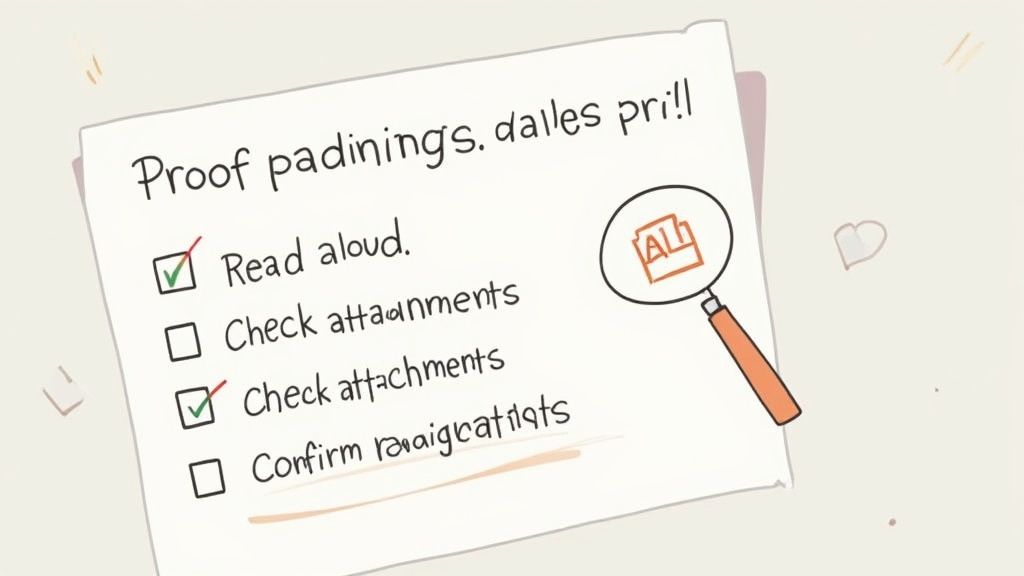
This final review is particularly crucial for how you finish an email. A recent study on UK email habits found that 67% of users prefer shorter emails. With professionals spending nearly 11 hours a week on email, getting to the point is more important than ever. This preference makes an error-free, concise closing absolutely vital for leaving a great final impression. You can see more on what these trends mean for UK business communication by reviewing the full email statistics report.
The Quick Scan: What to Check First
Before diving deep, give your email a rapid once-over for the most common blunders. These are the mistakes we all make when we're rushing, and they can cause the most immediate headaches.
- Recipient Check: Seriously, look again. Are you sending this to the right person? Autocomplete is notorious for suggesting the wrong contact, so double-check the "To" and "Cc" fields. Make sure you’ve selected ‘John Smith’ from accounts, not ‘Jon Smith’ from marketing.
- Subject Line Sanity Check: Does the subject line actually match what's in the email? Is it clear and concise? A vague subject line like "Quick Question" is the fast track to getting your email ignored or lost.
- Attachment Check: The classic. If you’ve written the words "Please see the attached document," make sure the document is actually attached. Nothing says disorganised like the follow-up "Oops, here’s the attachment" email.
The Deeper Dive: Read for Sense and Tone
Once the basics are solid, take another thirty seconds for a proper read-through. This is where you catch the subtle errors that can change how your entire message lands with the reader.
Here's a pro tip I swear by: read your email out loud. It’s the single best proofreading trick in the book. Your ears will catch clunky sentences, awkward phrasing, and typos that your eyes skim right over.
Reading aloud forces you to slow down and hear the words as your recipient will. It’s the ultimate check for tone. Does it sound helpful and professional, or does it come across as abrupt or even demanding?
Before your finger gets anywhere near that send button, run through this final list:
- Check for Clarity: Is your call to action unmistakable? Does the reader know exactly what you need them to do next?
- Verify All Links: A broken link is a dead end. Click every single link to ensure it works and goes to the right place.
- Confirm Names and Titles: Have you spelt the recipient's name and company correctly? Getting this wrong is a terrible first impression and hard to recover from.
Making this quick proofread a non-negotiable step will ensure every email you send is polished, professional, and gets the job done.
Answering Your Trickiest Email Closing Questions
Even when you know the rules, some email situations just feel awkward. You’re staring at the screen, wondering how to wrap things up without sounding weird, too formal, or overly casual. Let's clear up some of those common grey areas so you can hit 'send' with confidence every time.
Knowing how to navigate these specific scenarios is what separates good email etiquette from great professional communication. It’s all about reading the room and adjusting your approach to fit the context.
Should I Bother with a Postscript (P.S.)?
A P.S. can be a powerful little tool, but only if you use it wisely. It used to be for things you forgot to mention, but in the digital age, it’s a brilliant way to highlight a secondary point without burying it in your main message.
Think of it as a strategic spotlight. For instance, after your signature, you could add:
Example:
P.S. Don’t forget, the early-bird discount for our upcoming webinar disappears this Friday.
This works so well because it immediately catches the reader's eye and offers a quick, useful piece of information. The golden rule? Never put critical information in a P.S. Anything essential belongs in the body of your email. Use it for a friendly reminder, a personal note, or a gentle nudge towards a secondary call to action.
Is It Okay to Reply Without a Full Signature?
Absolutely. In fact, in a rapid-fire email exchange, plastering your full signature on every single reply can feel clunky and slow the conversation down.
Here’s a step-by-step guide for handling signatures in an email thread:
- First Email: Always include your full, professional signature. This sets the initial professional tone.
- Quick Follow-ups (same day): It’s completely fine to drop the formal signature. A simple "Thanks," followed by just your first name is perfect.
- New Day or New Topic: If the conversation pauses overnight or the subject shifts, it’s a good habit to add your full sign-off and signature again. It subtly resets the professional context.
How Do I End an Email to a Complete Stranger?
When you're writing a cold email or reaching out to someone for the first time, a little formality goes a long way. This is your chance to make a great first impression, so play it safe with a universally professional closing.
Step-by-step guide for a cold email closing:
- Reiterate Value: Briefly restate the key benefit for them. Example: "I'm confident we can help increase your team's productivity."
- Clear Call to Action: Tell them what you'd like to happen next. Example: "Are you available for a brief 15-minute chat next week to discuss this further?"
- Professional Sign-Off: Use a safe, polite closing like "Best regards" or "Kind regards."
- Full Signature: Ensure your signature is complete with your name, title, company, and contact details to build instant credibility.
Ready to turn your emails into real business growth? With Astonish Email, you can create professional, engaging campaigns in minutes and track exactly what works. Start building stronger customer relationships today. Learn more about Astonish Email.