Get Professional Email Address: Complete Guide 2026
February 26, 2026
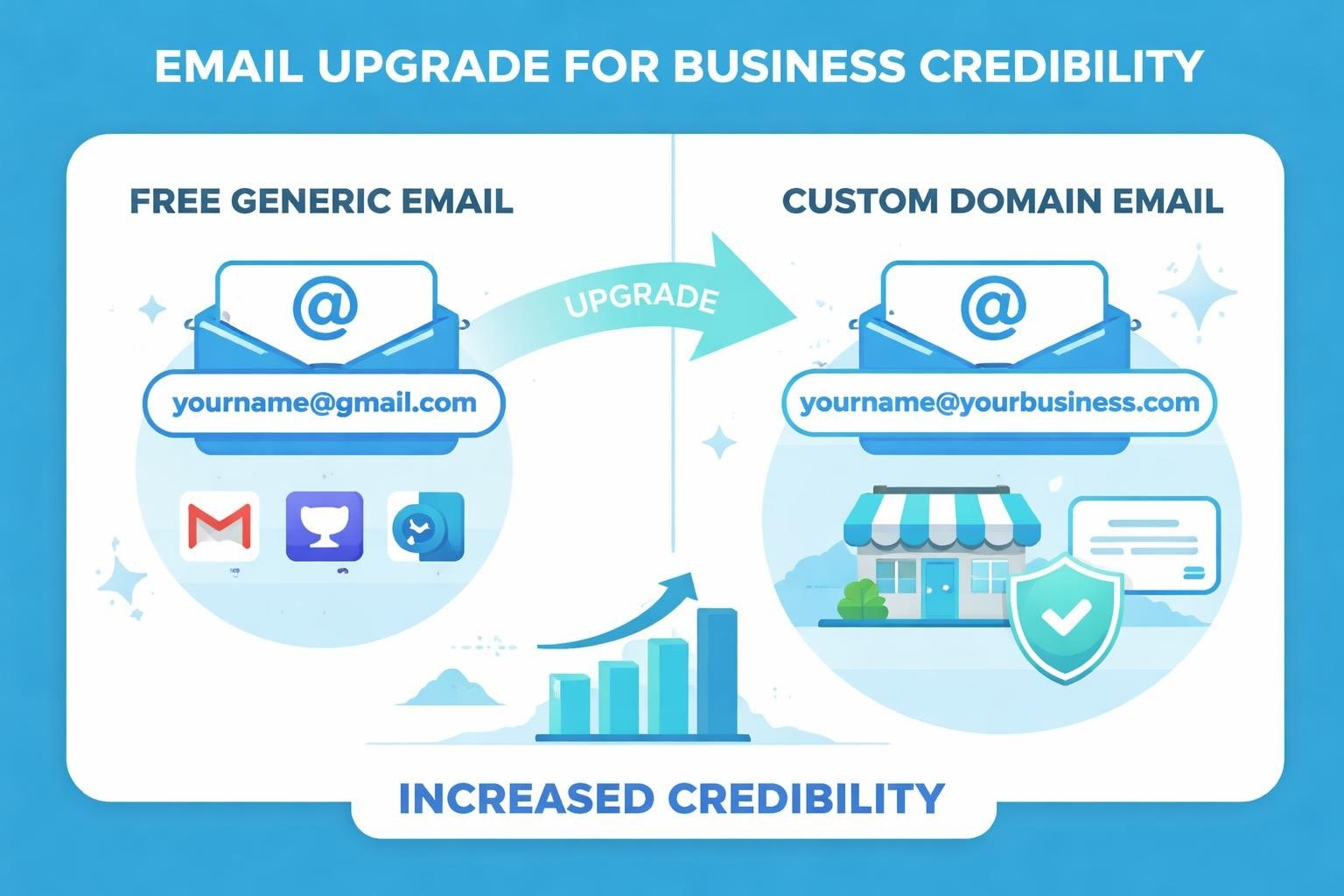
Your email address tells a story before you write a single word. When potential customers, partners, or investors see your correspondence coming from a free email provider, they're instantly forming judgements about your business credibility. For small businesses competing in today's marketplace, choosing to get professional email address isn't just a nicety – it's a fundamental component of brand identity and customer trust. This comprehensive guide explores everything you need to know about establishing professional email credentials that elevate your business communications.
Why Your Business Needs a Professional Email Address
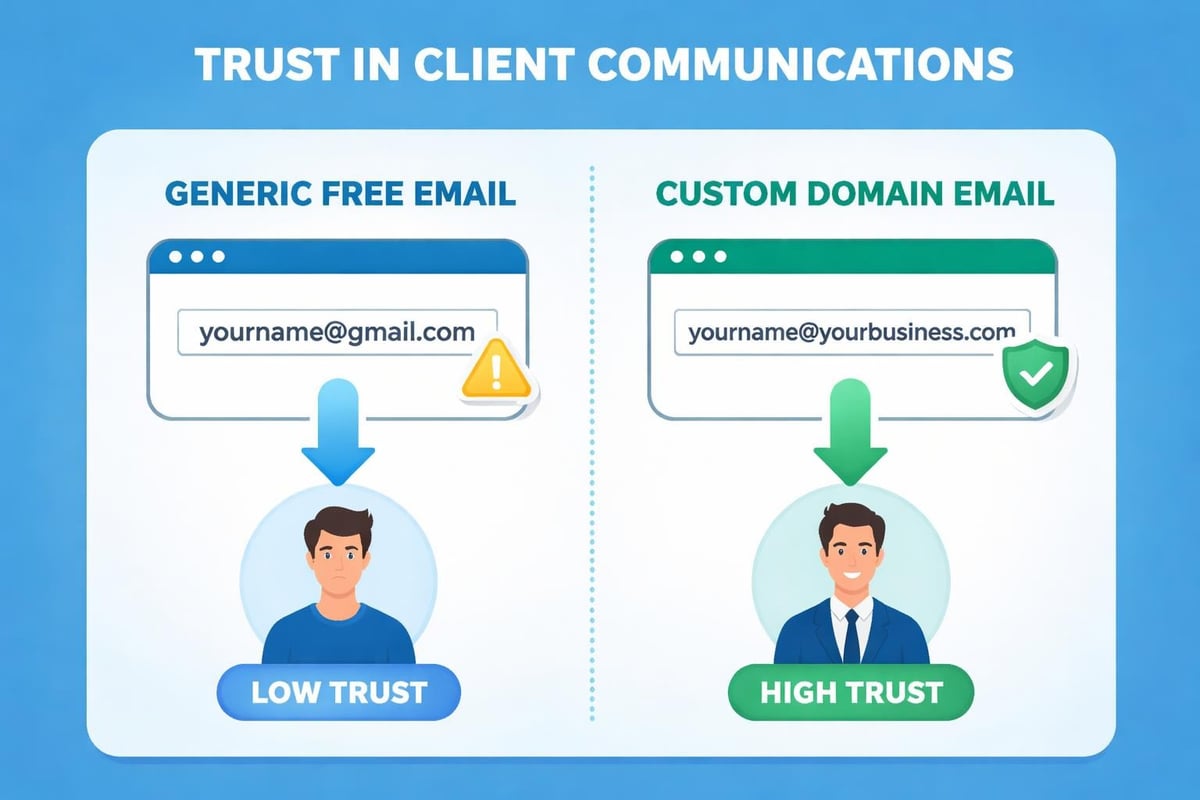
First impressions happen faster than ever in digital communications. Using a generic email provider for business purposes can immediately undermine your credibility.
Professional email addresses demonstrate legitimacy. When someone receives communication from [email protected] rather than [email protected], the message carries inherent authority. Studies consistently show customers are more likely to engage with businesses using branded email addresses.
The difference extends beyond perception. Four critical reasons support using professional email for business operations:
- Enhanced credibility with customers and partners
- Stronger brand recognition across all communications
- Improved email deliverability and security features
- Better organisational tools for team collaboration
Security considerations matter tremendously. Free email providers offer basic protection, but professional email services provide enterprise-grade security features. These include advanced spam filtering, encryption options, and administrative controls that protect both your business data and customer information.
Consider the marketing implications. Every email you send becomes a brand touchpoint. When your email domain matches your website domain, you're reinforcing brand consistency across every customer interaction.
Understanding Professional Email Options
The marketplace offers numerous paths when you want to get professional email address for your business. Each option presents distinct advantages suited to different business needs.
Custom Domain Email Through Hosting Providers
Many web hosting companies bundle email services with domain registration. This approach offers convenience and often represents the most cost-effective starting point for small businesses.
| Provider Type | Monthly Cost | Features Included | Best For |
|---|---|---|---|
| Basic Hosting Bundle | £3-8 | 5-10 email accounts, basic storage | Solo entrepreneurs, startups |
| Business Hosting | £10-20 | Unlimited accounts, enhanced storage | Growing businesses |
| Premium Suites | £15-25 per user | Advanced collaboration tools | Teams requiring integration |
These packages typically include webmail access, spam filtering, and basic administrative controls. The integration with your domain hosting simplifies setup considerably.
Google Workspace Solutions
Creating professional business email through Google Workspace provides the familiar Gmail interface alongside powerful productivity tools. This option suits businesses already using Google's ecosystem.
Benefits extend beyond email:
- Calendar integration and shared scheduling
- Cloud storage through Google Drive
- Video conferencing via Google Meet
- Collaborative document editing
- Mobile device management
Pricing starts from approximately £5 per user monthly, scaling based on storage requirements and feature needs. For businesses seeking seamless integration between email and productivity tools, this represents excellent value.
Microsoft 365 Business Email
Microsoft's offering combines Outlook email with the complete Office suite. Businesses preferring desktop applications or requiring advanced Excel and Word capabilities often favour this solution.
The platform excels in environments requiring robust file management, sophisticated email rules, and deep integration with Windows systems.
Choosing the Perfect Professional Email Format
The structure of your professional email addresses communicates as much as the domain itself. Selecting appropriate naming conventions requires balancing functionality with professional presentation.
Department-Based Addresses
Functional email addresses serve specific business purposes whilst maintaining professionalism:
- [email protected] – General enquiries and first contact
- [email protected] – Customer service requests
- [email protected] – Commercial enquiries
- [email protected] – Financial matters
- [email protected] – Friendly alternative for initial contact
These addresses facilitate team management. Multiple staff members can monitor shared inboxes, ensuring prompt responses regardless of individual availability.
Individual Staff Email Addresses
Personal addresses strengthen client relationships through consistent contact points. Standard formats include:
Consistency matters crucially. Once you establish a format, apply it uniformly across your organisation. This consistency projects professionalism and helps recipients remember your email structure.
Avoid numbers, excessive punctuation, or overly complex formats. The goal is memorability and professional presentation, not creative expression.
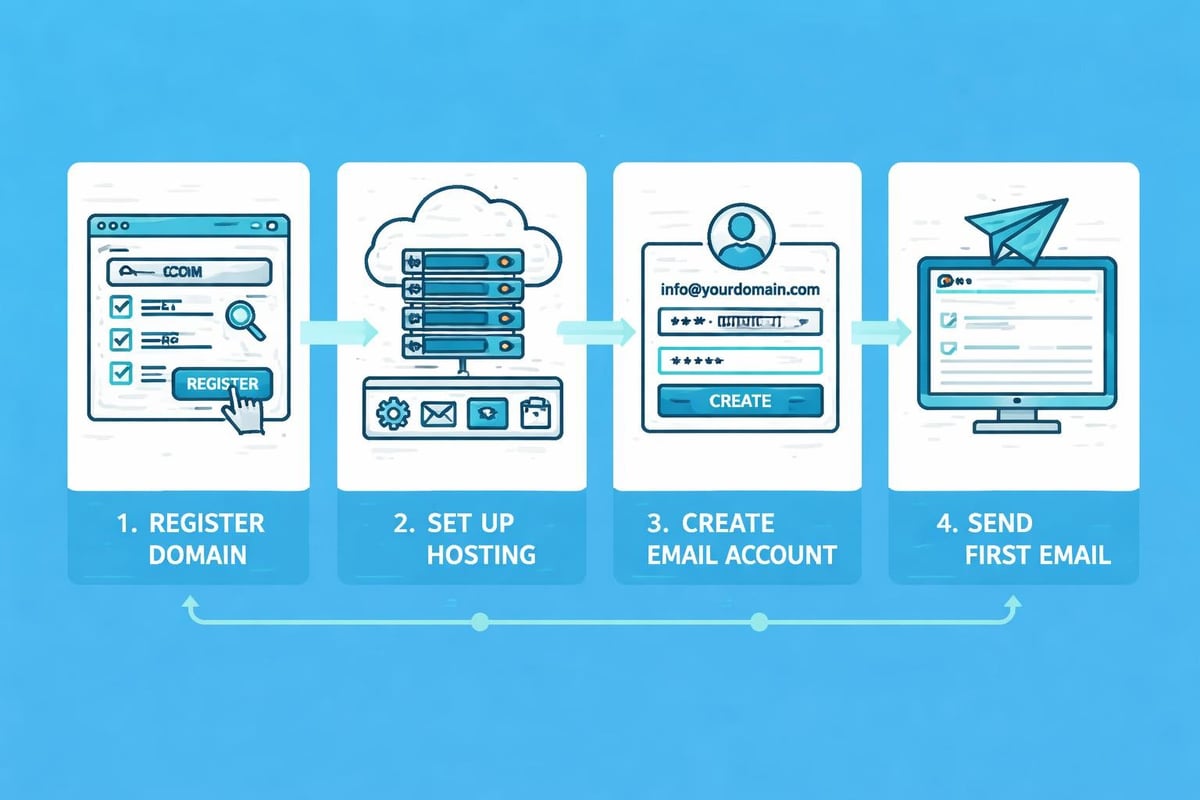
Step-by-Step Process to Get Professional Email Address
Setting up professional email requires methodical execution. Following these steps ensures smooth implementation without technical complications.
Domain Registration and Selection
Your email address will use your domain name. If you haven't registered a domain:
Choose a domain registrar offering competitive pricing and reliable service. Popular options include GoDaddy, Namecheap, and Google Domains.
Select your domain extension wisely. Whilst .com remains the gold standard, industry-specific extensions (.tech, .consulting) or location-based domains (.co.uk) can strengthen niche positioning.
Understanding how to choose professional email involves considering both current needs and future growth.
Email Service Provider Selection
Research providers based on your specific requirements:
- Team size and expected growth
- Storage needs for your industry
- Required integrations with existing tools
- Budget constraints
- Technical support availability
Most providers offer trial periods. Test the interface, mobile access, and key features before committing.
Configuration and DNS Settings
This technical phase connects your domain to your email service. Most providers offer step-by-step guides, but the basic process involves:
- Accessing your domain's DNS management panel
- Adding MX (Mail Exchange) records provided by your email host
- Configuring SPF and DKIM records for authentication
- Setting up DMARC policies for enhanced security
Allow propagation time. DNS changes can take 24-48 hours to fully propagate globally. Plan your transition accordingly.
Account Creation and Configuration
Once technical setup completes:
- Create individual user accounts for team members
- Establish shared mailboxes for departmental addresses
- Configure email signatures with branding elements
- Set up email forwarding and auto-responses as needed
- Establish folder structures and filing systems
Many small businesses integrate their professional email with platforms like Astonish Email to enhance their marketing campaigns whilst maintaining consistent professional communications.
Professional Email Best Practices for Small Businesses
Securing professional email addresses represents just the beginning. Maximising their effectiveness requires adherence to established best practices.
Email Security Fundamentals
Protecting your professional email from threats is non-negotiable. Implement these security measures immediately:
- Enable two-factor authentication on all accounts
- Create strong, unique passwords for each user
- Regular security training for staff on phishing recognition
- Automated backup systems to prevent data loss
- Mobile device policies for accessing company email
Using professional email for businesses requires understanding the security responsibilities that accompany this powerful communication tool.
Email Etiquette and Professional Communication
Your professional email address deserves equally professional content. Maintain these standards:
Structure every email deliberately. Use clear subject lines, proper greetings, organised body text, and appropriate closings. Professional communications reflect on your entire organisation.
Response timing matters significantly. Establish internal standards for reply timeframes. Most businesses aim for responses within 24 hours for standard enquiries.
Signature consistency builds brand recognition. Include your name, title, company, phone number, and website. Consider adding relevant social media links or current promotions.
Organisation and Productivity Systems
Effective email management prevents inbox overwhelm:
| Strategy | Implementation | Benefit |
|---|---|---|
| Folder hierarchies | Create logical categories for filing | Quick retrieval of past communications |
| Filters and rules | Automate sorting for routine messages | Reduced manual processing time |
| Scheduled send times | Compose now, deliver optimally | Better engagement rates |
| Templates | Save frequently-sent message formats | Consistency and time savings |
| Unsubscribe discipline | Regularly purge unnecessary subscriptions | Reduced noise and distraction |
Small businesses often struggle with email volume. Implementing systematic approaches early prevents future chaos.
Cost Considerations When You Get Professional Email Address
Budgeting appropriately for professional email ensures you select sustainable solutions without overspending on unnecessary features.
Pricing Models Explained
Professional email services typically use one of these structures:
Per-user monthly fees scale with team growth. Expect £4-12 per user monthly for basic professional email. Premium suites with extensive collaboration tools range £10-25 per user.
Tiered storage plans offer fixed mailbox counts with varying storage limits. Suitable for businesses with predictable email volumes.
Annual prepayment discounts commonly offer 15-20% savings over monthly billing. Consider this option once you've confirmed platform satisfaction.
Hidden Costs to Anticipate
Beyond subscription fees, factor these expenses:
- Domain renewal fees (annual)
- Additional storage upgrades as usage grows
- Migration costs if changing providers
- Training time for staff on new systems
- Potential consultant fees for complex setups
Calculate total cost of ownership across 2-3 years for accurate comparison between solutions.
Migrating From Free to Professional Email
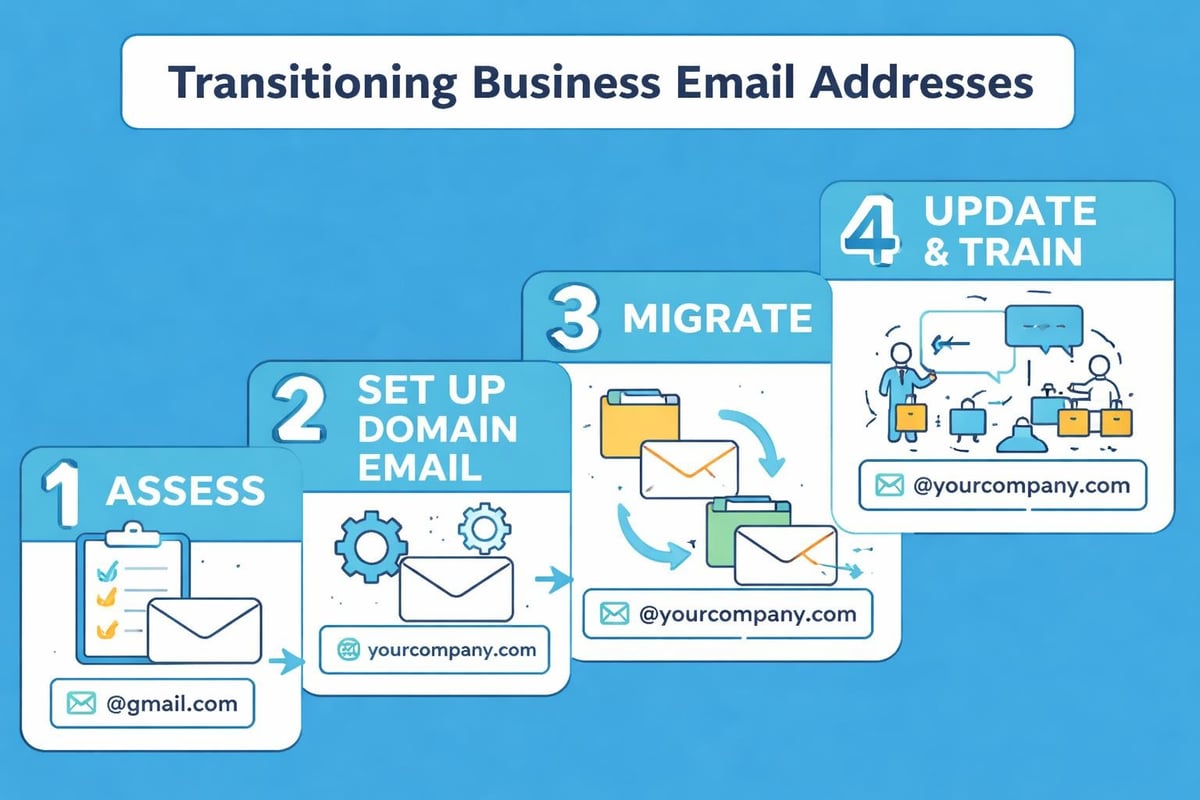
Transitioning existing communications to professional email requires careful planning to avoid disruption.
Pre-Migration Preparation
Before switching, complete these preparatory steps:
- Audit current email usage and identify critical contacts
- Document all services using your current email for login
- Export important messages and contacts for backup
- Notify key clients and partners about upcoming address changes
- Create a timeline minimising business impact
Communication is crucial. Update email addresses on your website, social media, business cards, and marketing materials before the transition.
Transition Period Management
Maintain dual access temporarily. Forward messages from your old address to your new professional email for at least 3-6 months. This buffer catches stragglers and provides opportunity for gentle reminders.
Set up auto-replies on old addresses directing correspondents to your new professional email. Include this message for several months post-transition.
Update every online service and subscription individually. This tedious process prevents locked accounts and missed communications.
Professional Email and Marketing Integration
When you get professional email address, you're establishing infrastructure supporting broader marketing initiatives. Integration between professional email and marketing platforms amplifies effectiveness.
Reputation and Deliverability
Your sending domain's reputation directly impacts marketing email success. Using professional email exclusively for business communications protects this reputation.
Separate transactional from marketing email using different subdomains. For example, use [email protected] for correspondence but [email protected] for campaigns.
This separation prevents marketing issues from contaminating your primary business communications. If your email marketing campaigns encounter deliverability problems, your essential business correspondence remains unaffected.
Branding Consistency Across Channels
Professional email reinforces brand identity established through marketing efforts. Every team member becomes a brand ambassador when their email signature, tone, and professionalism align with marketing messages.
Coordinate visual elements between marketing materials and email signatures. Use consistent colours, logos, and messaging frameworks.
Compliance and Legal Considerations
Professional email services typically include features supporting regulatory compliance. Mailchimp's guidance on business email emphasises alignment between email infrastructure and marketing best practices.
GDPR, CAN-SPAM, and industry-specific regulations often require professional-grade email systems with proper archiving, retention policies, and user controls.
Scaling Your Professional Email Infrastructure
As your business grows, email needs evolve. Planning for scalability prevents disruptive platform changes.
Adding Users Efficiently
Most professional email platforms allow straightforward user additions. Establish onboarding procedures including:
- Standard naming convention application
- Security protocol training
- Email signature template provision
- Folder structure recommendations
- Integration with collaborative tools
Provisioning policies prevent chaos. Designate who can create new email accounts and under what circumstances.
Advanced Features for Growing Teams
As teams expand, leverage these professional email capabilities:
- Shared calendars for resource scheduling
- Distribution lists for team-wide communications
- Delegated access for assistant relationships
- Email archiving for compliance and reference
- Advanced search and retrieval tools
Integration with CRM systems becomes increasingly valuable. Professional email platforms typically offer connections to customer management tools, centralising client communications.
Multi-Domain Management
Businesses operating multiple brands or websites often require professional email across several domains. Enterprise email solutions accommodate this complexity through unified administration panels.
Consider using a consistent platform across domains for simplified management whilst maintaining distinct brand identities in customer-facing communications.
Troubleshooting Common Professional Email Issues
Even well-implemented professional email systems encounter occasional challenges. Understanding common issues accelerates resolution.
Delivery and Receiving Problems
Messages not arriving typically stem from DNS configuration errors, particularly incorrect MX records. Verify settings through your email provider's diagnostic tools.
Emails landing in spam folders suggest authentication issues. Ensure SPF, DKIM, and DMARC records are properly configured. These authenticate your sending domain, improving deliverability.
Access and Synchronisation Challenges
Mobile device sync failures often result from incorrect server settings. Most providers offer auto-configuration tools through their apps. Manual setup requires precise entry of server addresses and port numbers.
Calendar sharing complications usually involve permission settings. Review sharing levels and ensure all participants use compatible calendar applications.
Storage Management
Professional email accounts have storage limits. Implement these practices to avoid capacity issues:
- Regular archiving of old messages to local storage or archive services
- Attachment size policies encouraging cloud sharing links over direct attachments
- Automated cleanup rules for temporary folders and deleted items
- Storage monitoring dashboards to anticipate capacity needs
Proactive management prevents the disruptive experience of bounced emails due to full mailboxes.
Measuring Professional Email Success
Track metrics demonstrating your professional email investment's value.
Key Performance Indicators
Monitor these areas to assess effectiveness:
| Metric | Target | Measurement Method |
|---|---|---|
| Response time | Under 24 hours | Email platform analytics |
| Email open rates | Industry benchmark +10% | Marketing integration tracking |
| Customer satisfaction | Above 4.5/5 | Post-interaction surveys |
| Security incidents | Zero breaches | Security audit logs |
| Deliverability rate | Above 95% | Sending platform reports |
Return on Investment Analysis
Calculate ROI by comparing:
- Time saved through improved organisation and collaboration
- Customer acquisition influenced by professional presentation
- Reduced security incident costs
- Enhanced team productivity from integrated tools
Most businesses find professional email pays for itself within months through efficiency gains and improved customer perception alone.
Establishing professional email credentials transforms how customers, partners, and prospects perceive your business whilst providing the infrastructure for efficient, secure communications. From selecting the right provider and configuring DNS settings to implementing best practices and scaling with growth, each element contributes to a professional presence that supports business objectives. When you're ready to complement your professional email with powerful marketing tools, Astonish Email provides email marketing solutions specifically designed for small businesses, helping you maximise every customer interaction.